

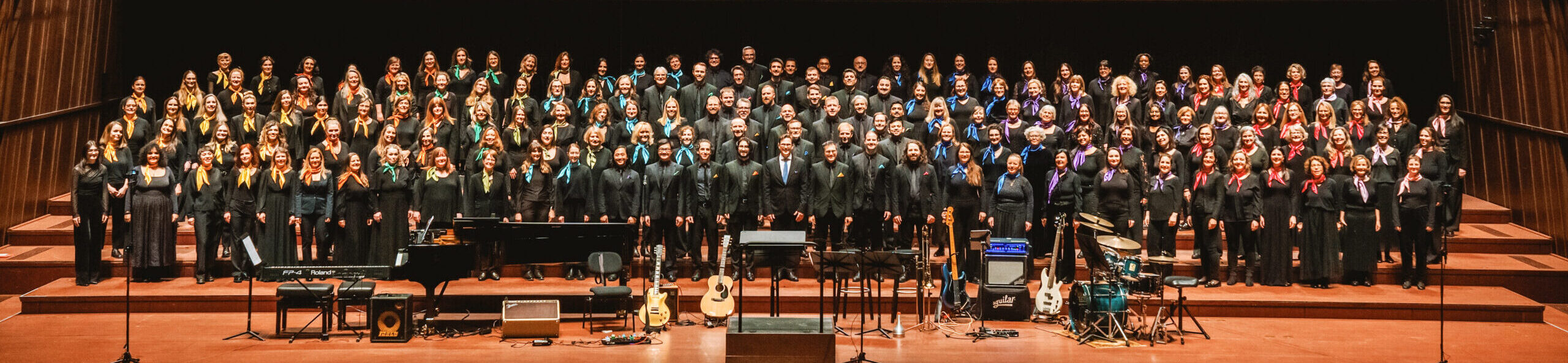
Welcome to the choir!
We ask each of you to create an audio recording of the song Happy Birthday.
⚠️ This is NOT an audition!
You can join the choir no matter your level of experience. This recording is simply for our choir director, James, to hear your voice color. It helps him blend all the voices together and advise you on your voice part if needed.
📅 DEADLINE: The cut-off date is usually 2 weeks after the first rehearsal. Please check the event calendar for the exact date.
1. Practice your voice part
Listen to the tracks provided below. Each voice part has 2 types of tracks available:
- “Piano” Track: Contains just the piano notes.
- “Voice Part” Track (e.g., Soprano): A sung version with the words to help you learn.
Note: Only the Soprano voice has the melody. Alto, Tenor, and Bass singers will need to learn their specific voice part if they don’t know it already.
Voice part
Practice Track (Sung)
Practice Track (Piano)
Sopprano
Alto
Tenor
Bass
All voices
📜Song sheet music
2. Watch the Tutorial Video
3. Record Your Voice
Follow these guidelines to get the best possible audio quality:
- Setup 2 Devices: Use one device (like a laptop) to play the backing track and a smartphone to record your voice.
- Use Headphones: Wear earbuds or headphones to listen to the track. This ensures the microphone only captures your voice. (Tip: Leave one ear uncovered so you can hear yourself sing!)
- Audio Only: Use the audio recorder app on your phone, not video.
- Prepare Yourself: Stand up straight, warm up your voice, and sing confidently as if performing!
- Be Quiet with Sheets: If you are using sheet music, be very careful not to make paper noises near the microphone.
Don’t worry if it sounds a bit strange to hear your voice completely alone; that is completely normal! You might need a couple of practice runs before saving the final version.
Don’t worry if it sounds a bit strange to hear your voice completely alone; that is completely normal! You might need a couple of practice runs before saving the final version.
4. Name & Upload Your File
Step 1 : Rename your file
Format your audio file exactly like this: YourName_VoicePart
- Example:
KarenHumphries_Alto1
Step 2 : Upload to the website
- Go to your Membership page on the website.
- Navigate to the Voice section and upload your file.
Step 3: Verify your upload
To confirm it worked, go to your Membership page > Voice tab. You should see a link to your file next to the text: “current voice sample:”.
💡 Only have video? If your phone can only record video, you can use this guide from MakeUseOf to easily convert your video file into an MP3 audio file.
📬 Need Help?
If you run into any technical problems or have questions, please email the Committee.
Good luck!